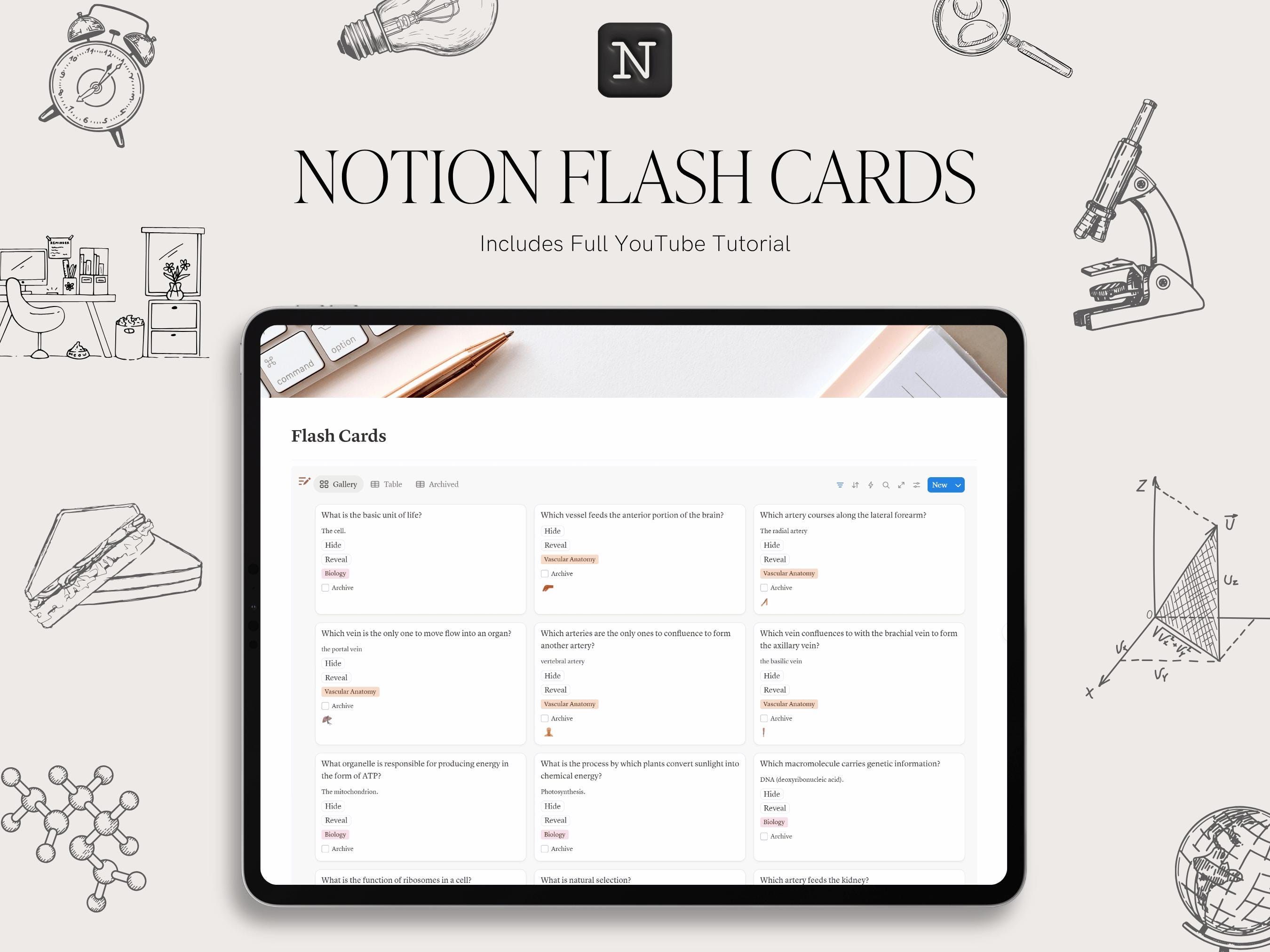
Split-Screen Flashcard and Notes UI
A dual-pane flashcard UI with the card on the left and a notes section on the right. Users can type personal mnemonics or examples while reviewing. A divider allows resizing, blending study and annotation seamlessly.
This asset is part of Why Your Flashcards Need Better UI Design published by SheetForge. Licensed under CC BY 4.0 — Free for personal use. Free to use with attribution.